If you run a restaurant, schema markup is one of the most impactful SEO investments you can make.
- Here’s what to set up
- How Menu schema works
- Why it matters more than ever in the age of AI search
If you run a restaurant, schema markup is one of the most impactful SEO investments you can make.
When someone searches for somewhere to eat, they’re usually ready to make a decision. They’re not browsing – they’re hungry. That means the restaurant that shows up with its menu, opening hours, cuisine type, price range, and booking link right there in Google has a serious advantage over the one that just shows a plain link.
That visibility is exactly what schema markup delivers. If you’re not familiar with the concept, it’s worth reading our guide to schema markup first – but in short: schema markup is code you add to your website that helps search engines (and AI tools) understand exactly what your content means. For restaurants, it’s one of the most powerful uses of structured data available.
In this guide we’ll cover the schema types that matter most for food businesses, how Menu schema works in practice, what it does for AI search visibility, and how to make sure it’s all set up correctly.
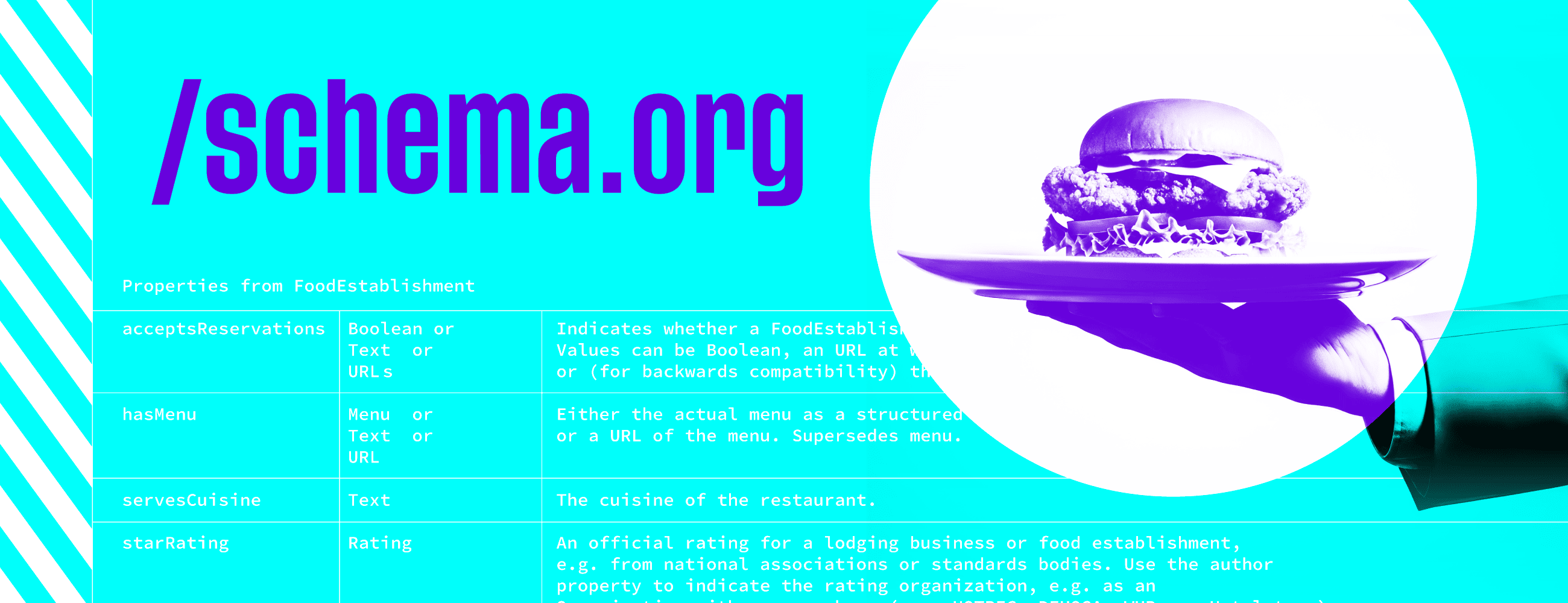
Most local businesses benefit from LocalBusiness schema. But restaurants have access to a much richer set of schema types – ones that directly reflect what people search for when they’re deciding where to eat.
Think about what a diner wants to know before they visit: what kind of food do you serve, what does it cost, when are you open, can they book a table, and what do other people think of it? Schema markup can put all of that information directly into Google’s search results – not buried on your website, but front and centre before they’ve even clicked.
The stats back this up. Rich results receive around 58% of all clicks compared to 41% for standard blue-link results. And with AI-powered search tools now answering restaurant queries directly – pulling details about menus, hours, and bookings without the user needing to visit a website – having your structured data in order has never been more important.
Restaurant schema is a subtype of LocalBusiness – so it includes everything a local business schema does, plus properties specific to food businesses. This is your foundation. Everything else builds on it.
At a minimum, your Restaurant schema should include:
One important note: if you have multiple locations, each one should have its own Restaurant schema on its own location page. Don’t try to combine them – search engines and AI tools need to match each set of details to a specific venue.
This is where restaurant schema gets really interesting, and where most restaurant websites are leaving visibility on the table.
Menu schema lets you mark up your food and drink offerings as structured data, so search engines can understand your menu as organised information – not just text on a page. The schema supports a full hierarchy:
You can go further still: dietary flags (GlutenFreeDiet, VeganDiet, VegetarianDiet), nutritional information, item descriptions, and photos per dish. The more detail you add, the more useful your data becomes to both search engines and AI tools.
One practical note: your menu page needs to be HTML, not a PDF. AI tools and search engines can’t parse PDFs as structured data. If your menu is currently a PDF download, moving it to a properly designed HTML page is one of the highest-impact changes you can make — both for schema and for usability. We design restaurant menu pages that work well for both.
AggregateRating schema lets you mark up your overall rating and number of reviews so they appear as star ratings in search results. This is one of the most eye-catching rich results available – and AI search tools weight review sentiment heavily when making restaurant recommendations. Important: you can only mark up reviews that are visible on your own website. You can’t pull in ratings from Google Maps or TripAdvisor.
If your restaurant runs regular events – a quiz night, a supper club, a wine tasting, a live music evening – Event schema is worth adding. Events can appear directly in Google search results with dates, times, and ticket or booking links. It also gives you a steady stream of fresh structured data, which signals to search engines that your site is actively maintained.
A well-placed FAQ section on your restaurant’s homepage or key pages — with FAQPage schema applied – can expand your search listing significantly and is one of the schema types most frequently cited in AI Overviews. Good FAQ candidates for restaurants:
These are exactly the questions people ask before deciding to visit – and exactly the kind of content AI search tools pull into direct answers.
AI-powered search tools – Google’s AI Overviews, Bing Copilot, and voice assistants like Siri and Alexa — are increasingly the first place people get restaurant recommendations. When someone asks “good Italian restaurant near me open tonight”, an AI tool is trying to pull together name, cuisine, location, hours, reviews, and booking options in one answer.
Schema markup gives AI systems a machine-readable source of truth for all of that. Without it, they’re inferring your details from unstructured text – which means they might get them wrong, miss them entirely, or default to a competitor whose data is cleaner.
The things AI tools most reliably pull from restaurant schema: your name and address, opening hours, cuisine type, price range, menu link, whether you take reservations, and FAQ answers. Getting these right and keeping them current is the single most impactful thing you can do for AI search visibility as a food business.
One stat worth knowing: 62% of consumers say they would avoid a business if they found incorrect information online. That’s not just a reputation risk – it’s a schema accuracy issue. If your schema says you’re open on Mondays but you’re not, AI tools will confidently tell people the wrong thing.
Google Rich Results Test – paste your URL or code to see which rich results your page is eligible for. Start here.
Schema Markup Validator – more thorough for catching structural issues in your markup. Use this alongside the Rich Results Test.
Google Search Console – once your schema is live, the Enhancements section will show you which pages have valid structured data and flag any errors Google finds while crawling.
For reference, here’s a simplified example of Restaurant schema in JSON-LD format – the format Google recommends. In practice this would sit in the <head> section of your page:
<script type="application/ld+json">
{
  "@context": "https://schema.org",
  "@type": "Restaurant",
  "name": "The White Hart",
  "address": {
    "@type": "PostalAddress",
    "streetAddress": "12 High Street",
    "addressLocality": "Letchworth",
    "postalCode": "SG6 3AX",
    "addressCountry": "GB"
  },
  "telephone": "+441234567890",
  "servesCuisine": "British",
  "priceRange": "££",
  "openingHoursSpecification": [{
    "@type": "OpeningHoursSpecification",
    "dayOfWeek": ["Tuesday","Wednesday","Thursday"],
    "opens": "12:00",
    "closes": "22:00"
  }],
  "menu": "https://www.thewhitehart.co.uk/menu",
  "acceptsReservations": true
}
</script>
In a WordPress site, a plugin like Rank Math or Yoast can generate the basics automatically. But for Menu schema, Event schema, and properly nested FAQs, manual JSON-LD is almost always more accurate – and more likely to trigger rich results.
FAQs
If you have a question, please use our short form here to send it over. We’re always happy to chat.
Dynamic schema generation is the answer – pulling product data (name, price, availability, GTIN) from your database or CMS to generate JSON-LD automatically on each product page. This keeps your schema in sync with your actual product data without manual updates. For Shopify and WooCommerce, specialist plugins can handle much of this. For custom builds, it needs to be built into the product page template.
Yes, and you should if you serve different menus at different times. Menu schema supports multiple Menu entities, each with their own sections and items, and you can include availability time windows for each. This is one of the areas where manual JSON-LD is genuinely worth doing properly.
Whenever anything changes – hours, menu items, prices, whether you take reservations, special event dates. Think of your schema as your menu board: if it’s out of date, it’s misleading customers and potentially pushing AI tools to give wrong information about your business.
Google Business Profile and schema markup do different jobs. GBP controls your listing in Google Maps and the local panel. Schema markup helps your website appear as rich results in organic search, and gives AI tools a reliable data source about your business. You need both.
You can link to a PDF using the menu property, but AI tools and search engines can’t read PDFs as structured data. For maximum benefit — especially with Menu schema and AI search visibility — you need an HTML menu page. It’s also better for accessibility and mobile usability.
Not directly — schema isn’t a ranking factor. But it makes your listing more prominent in search results through rich results (star ratings, hours, menu links), which typically increases click-through rates significantly. Higher CTR can indirectly support rankings over time.
We implement restaurant schema — including Menu schema and Event schema — as part of our SEO services and web development work. We also design restaurant menu pages that are built to work with structured data from the ground up — so your menu looks great and your schema is accurate. If you’re not sure what your site currently has (or is missing), we’re always happy to take a look.
Written by Jane Comar, reviewed by James Hofton
Last updated: 30 July 2026
© Copyright 2026 Union 10 Design